Grain Review (2026): Pricing, Features & Honest Verdict
TLDR
Grain is an AI meeting recorder that auto-highlights key moments, creates shareable clips, and syncs insights to your CRM. Best for: sales teams and agencies that need to extract action items from calls fast. Price: free (5 recordings/mo) or $19/user/mo. Rating: 7.6/10.
What is Grain?
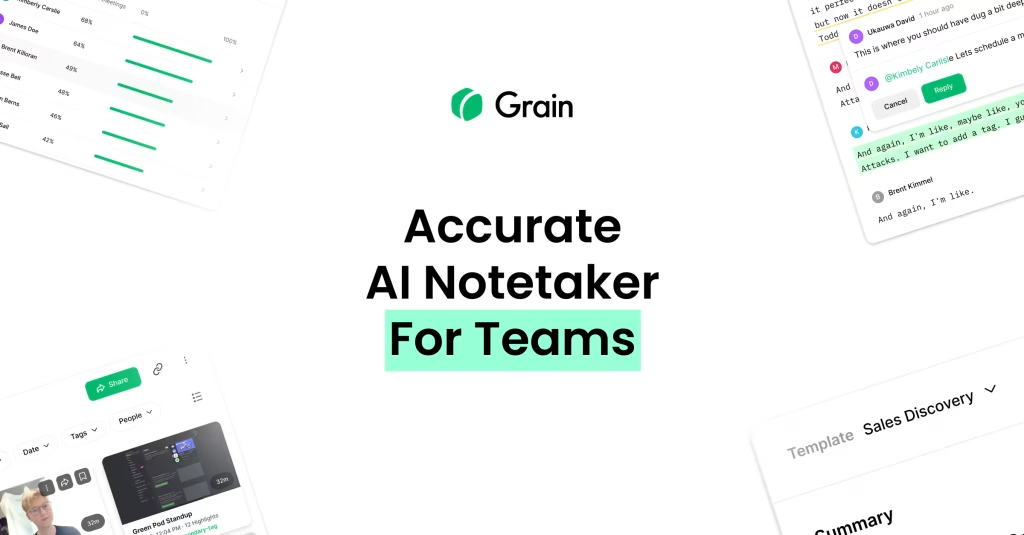
Grain is a meeting intelligence tool that records, transcribes, and automatically highlights the most important moments from your video calls. It works with Zoom, Google Meet, and Microsoft Teams. The standout feature is its AI-powered highlight system that identifies key topics, action items, and decisions without you having to scrub through entire recordings.
Where Grain separates itself from basic transcription tools is the clip-and-share workflow. You can create short video clips from any meeting, organize them into shared libraries, and push insights directly to Salesforce or HubSpot. It is built for teams that run a lot of calls and need a fast way to surface what matters.
Key Features
AI Auto-Highlights
Grain’s AI watches your meetings and flags key moments: decisions made, action items assigned, objections raised, pricing discussions, and more. After each call you get a summary with timestamped highlights you can click through. The accuracy is solid for sales and customer calls, though it can miss context in more technical or nuanced discussions.
Shareable Clips
Create short video clips from any part of a recording with one click. These clips include the transcript, can be shared via link, and embed into tools like Slack and Notion. For sales teams that need to share customer feedback or coaching moments, this is the killer feature. No more asking colleagues to watch a 45-minute recording.
Shared Meeting Library
All recordings and clips are organized in a team-accessible library. You can tag, search, and filter by topic, speaker, or keyword. It becomes a knowledge base of customer interactions over time. For onboarding new team members or reviewing historical conversations, the searchable library adds real value.
CRM Integration
Native sync with Salesforce and HubSpot. Meeting summaries, highlights, and clips can be automatically pushed to the relevant deal or contact record. This saves the manual step of updating CRM notes after every call and keeps the team aligned on deal status.
Coaching and Analytics
Track talk-to-listen ratios, question frequency, and other conversation metrics. Managers can review calls, leave comments on specific moments, and build coaching playlists from clips. The analytics are more basic than dedicated tools like Gong, but they cover the essentials for small and mid-size teams.
Pricing
Grain offers a free plan with 5 recordings per month and basic features. The Business plan costs $19/user/month and includes unlimited recordings, CRM integrations, and advanced AI features. The Enterprise plan at $29/user/month adds SSO, advanced analytics, and priority support.
Pros and Cons
Pros
- AI auto-highlights accurately surface key moments, saving hours of review time
- Clip-and-share workflow is fast and genuinely useful for team collaboration
- Native CRM sync with Salesforce and HubSpot keeps deal records current
- Shared meeting library creates a searchable knowledge base of conversations
- Free plan with 5 recordings/month is enough to evaluate the tool properly
Cons
- AI highlights can miss nuance in technical or complex discussions
- Analytics are basic compared to dedicated conversation intelligence tools like Gong
- Per-user pricing adds up quickly for larger teams
- Limited to Zoom, Google Meet, and Teams (no support for less common platforms)
- Free plan is too restrictive for regular use beyond initial testing
| Plan | Price | Plan Features | Best For |
|---|---|---|---|
| Free | $0 | 5 recordings/month, basic transcription, AI summaries | Individuals evaluating the tool or with few meetings |
| Business | $19/user/mo | Unlimited recordings, CRM integrations, advanced AI highlights, shared library | Sales teams and agencies with regular client calls |
| Enterprise | $29/user/mo | SSO, advanced analytics, priority support, custom onboarding | Larger teams needing security and advanced reporting |
Who Should Use Grain?
Grain is ideal for sales teams at startups and SMBs that run 10+ customer calls per week and need a lightweight way to capture and share insights. Agencies managing multiple client relationships will appreciate the organized library and CRM sync. Customer success teams can use it to track account health through conversation patterns.
If you need enterprise-grade conversation intelligence with advanced revenue forecasting, Gong or Chorus are better fits despite the higher price. Solo users with occasional meetings will find the free plan sufficient, but the real value shows up in team workflows.
Alternatives
Gong
The enterprise leader in conversation intelligence. Far more powerful analytics, revenue intelligence, and deal forecasting. But it costs significantly more and targets larger sales organizations. Grain is the lighter, more affordable alternative for smaller teams.
Chorus
Now part of ZoomInfo, Chorus offers similar AI conversation analysis with strong CRM integration. Like Gong, it targets enterprise sales teams and carries enterprise pricing. Better for organizations already in the ZoomInfo ecosystem.
Fathom
A free AI meeting assistant focused on note-taking and summaries. Fathom is more lightweight than Grain, lacking the clip library and CRM sync. Best for individuals who just want automated meeting notes without the team collaboration features.
FAQ
Does Grain work with Zoom?
Yes, Grain integrates with Zoom, Google Meet, and Microsoft Teams. It joins as a bot participant or uses native integrations depending on the platform.
Is Grain free?
Grain offers a free plan with 5 recordings per month, basic transcription, and AI summaries. Paid plans start at $19/user/month for unlimited recordings and advanced features.
How accurate is Grain’s transcription?
Transcription accuracy is generally high for clear English audio. Background noise, heavy accents, or overlapping speakers can reduce accuracy. It supports multiple languages but English is the most reliable.
Can Grain sync with my CRM?
Yes, Grain natively integrates with Salesforce and HubSpot. Meeting summaries, highlights, and clips can be automatically pushed to deal and contact records.
Grain Pros & Cons
What We Like
- AI auto-highlights accurately surface key moments
- Clip-and-share workflow is fast and useful for collaboration
- Native CRM sync with Salesforce and HubSpot
- Shared meeting library creates a searchable knowledge base
- Free plan with 5 recordings/month is enough to evaluate
What Could Be Better
- AI highlights can miss nuance in technical discussions
- Analytics are basic compared to Gong
- Per-user pricing adds up for larger teams
- Limited to Zoom, Google Meet, and Teams only
Grain FAQ
Does Grain work with Zoom?
Yes, Grain integrates with Zoom, Google Meet, and Microsoft Teams.
Is Grain free?
Yes, with 5 recordings/month on the free plan. Paid plans start at $19/user/month.
How accurate is Grain's transcription?
Generally high for clear English audio. Background noise and accents can reduce accuracy.
Can Grain sync with my CRM?
Yes, native integration with Salesforce and HubSpot for auto-syncing summaries and clips.
What is Grain?
AI meeting recorder that auto-highlights key moments, creates shareable clips, and syncs call insights to Salesforce and HubSpot.
How much does Grain cost?
Grain pricing starts at $19/user/mo. A free plan is available.






