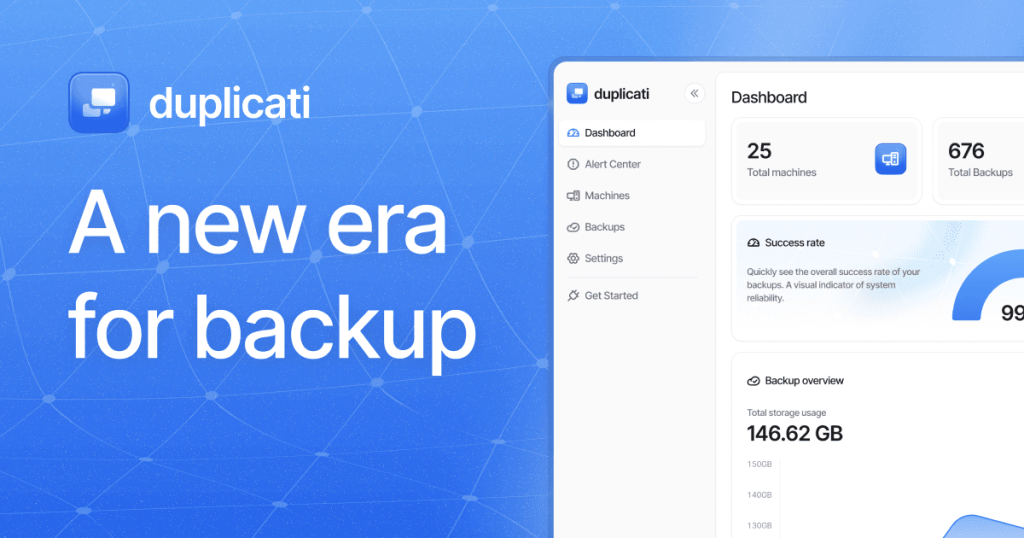
Duplicati Review (2026): Pricing, Features & Honest Verdict
TLDR
Duplicati is a free, open-source backup tool with a web UI that encrypts and sends your data to cloud storage including S3, B2, Google Drive, and OneDrive. Best for: non-technical users who want scheduled encrypted backups. Price: free and open source. Rating: 7.4/10
What is Duplicati?
Duplicati is an open-source backup client that runs a local web server with a browser-based interface for configuring and managing backups. It handles encryption (AES-256 or GPG), incremental backups, and scheduling without requiring you to touch the command line. The project is written in C# and runs on Windows, macOS, and Linux via Mono or .NET.
Where most open-source backup tools assume you are comfortable in a terminal, Duplicati meets non-technical users where they are. You set up backup jobs through a step-by-step wizard, pick your cloud destination, set a schedule, and forget about it.
Key Features
Web-Based Interface
Duplicati runs a lightweight web server on your machine and you manage everything through a browser. The setup wizard walks you through choosing a backend, selecting folders, setting encryption, and configuring schedules. It is approachable in a way that most backup tools simply are not.
Broad Cloud Backend Support
Duplicati supports Amazon S3, Backblaze B2, Google Drive, OneDrive, Dropbox, Azure Blob, SFTP, WebDAV, FTP, and more. If you already pay for cloud storage, chances are Duplicati can use it as a backup destination without extra cost.
Incremental and Encrypted Backups
After the initial full backup, Duplicati only uploads changed blocks. All data is encrypted locally before upload using AES-256. The block-based approach means even large file changes result in small uploads, keeping bandwidth usage reasonable.
Built-in Scheduling
Unlike CLI-only tools that require cron jobs, Duplicati has a built-in scheduler. Set it to run daily, weekly, or at custom intervals, and it handles the rest. You can also configure email notifications for backup success or failure.
Deduplication
Duplicati uses block-level deduplication to avoid storing identical data twice across different files or backup versions. This saves storage space, though the deduplication is not as efficient as what Restic or BorgBackup achieve with their content-addressable approaches.
Pricing
Duplicati is completely free under the LGPL license. There are no paid plans, premium features, or usage limits. You only pay for whatever cloud storage you choose as a backend.
Pros and Cons
Pros
- Web UI makes backup configuration accessible to non-technical users
- Built-in scheduling eliminates the need for cron or external tools
- Supports a huge number of cloud storage backends out of the box
- Encryption is strong (AES-256) and straightforward to enable
- Cross-platform and free with no usage restrictions
Cons
- Can be slow and unreliable with very large backup sets (100GB+)
- The local database sometimes gets corrupted, requiring repair operations
- Restore process is slower compared to Restic or BorgBackup
- Memory usage can spike during verification and compaction
| Plan | Price | Plan Features | Best For |
|---|---|---|---|
| Open Source | Free | All features included, unlimited backends, no restrictions | Everyone |
Who Should Use Duplicati?
Duplicati is a good fit for freelancers, small teams, and home users who want automated, encrypted cloud backups without learning CLI tools. If you want to set up a backup job once through a visual interface and let it run on a schedule, Duplicati does that well.
It is less suitable for backing up large server datasets or environments where speed and reliability under heavy load matter. For those use cases, Restic or Kopia are stronger choices.
Alternatives
Restic
Restic is a CLI-first backup tool with superior deduplication and faster performance on large datasets. It lacks a GUI and built-in scheduling, but its reliability and broad backend support make it the preferred choice for developers and sysadmins. If you are comfortable in the terminal, Restic is the better tool.
BorgBackup
BorgBackup offers excellent compression (zstd) and deduplication with a focus on SSH-based storage backends. It is faster and more storage-efficient than Duplicati but only supports local and SSH targets natively. A solid pick if your backup destination is another server you control.
Kopia
Kopia provides both a CLI and a desktop GUI, along with cloud backend support, compression, and snapshot-based backups. It is newer than Duplicati but already more performant and reliable with large datasets. If you want a GUI plus modern backup capabilities, Kopia is worth considering.
Verdict
Duplicati fills an important niche as the most accessible open-source backup tool available. The web UI, built-in scheduling, and broad cloud storage support make it easy for anyone to set up encrypted backups. The reliability issues with large datasets and occasional database corruption hold it back from a higher rating, but for moderate backup needs, it gets the job done. At 7.4/10, Duplicati is a capable free option that trades raw performance for usability.
FAQ
Is Duplicati reliable for daily backups?
For moderate-sized backups (under 100GB), Duplicati is quite reliable. Larger backup sets can occasionally trigger database issues that require manual repair. Running regular verification checks helps catch problems early.
Can Duplicati back up to Google Drive?
Yes. Duplicati has native Google Drive support built in. You authenticate through OAuth during setup and it handles uploads automatically on your schedule.
How does Duplicati compare to Restic?
Duplicati is easier to set up thanks to its web UI and built-in scheduler. Restic is faster, more reliable with large datasets, and has better deduplication. Choose Duplicati for convenience, Restic for performance.
Does Duplicati work on a NAS?
Duplicati can run on NAS devices that support Mono or Docker. Synology and QNAP users often run it inside a Docker container for automated backups from the NAS to cloud storage.
Duplicati Pros & Cons
What We Like
- Web UI makes backup configuration accessible to non-technical users
- Built-in scheduling eliminates the need for cron
- Supports a huge number of cloud storage backends
- Strong AES-256 encryption is straightforward to enable
- Cross-platform and free with no usage restrictions
What Could Be Better
- Can be slow and unreliable with very large backup sets
- Local database sometimes gets corrupted requiring repair
- Restore process is slower compared to Restic or BorgBackup
- Memory usage can spike during verification and compaction
Duplicati FAQ
Is Duplicati reliable for daily backups?
For moderate-sized backups under 100GB, Duplicati is quite reliable. Larger backup sets can occasionally trigger database issues requiring manual repair.
Can Duplicati back up to Google Drive?
Yes. Duplicati has native Google Drive support built in with OAuth authentication.
How does Duplicati compare to Restic?
Duplicati is easier to set up with its web UI. Restic is faster and more reliable with large datasets. Choose Duplicati for convenience, Restic for performance.
Does Duplicati work on a NAS?
Yes. It can run on Synology and QNAP via Docker containers for automated cloud backups.
What is Duplicati?
Free backup tool with a web UI for encrypted, scheduled backups to cloud storage including S3, B2, Google Drive, and OneDrive.
How much does Duplicati cost?
Duplicati pricing starts at Free (open source). A free plan is available.






